
Call NowRequest Pricing
Resources

For XR owners

XR Cryotherapy Chamber Operator Training

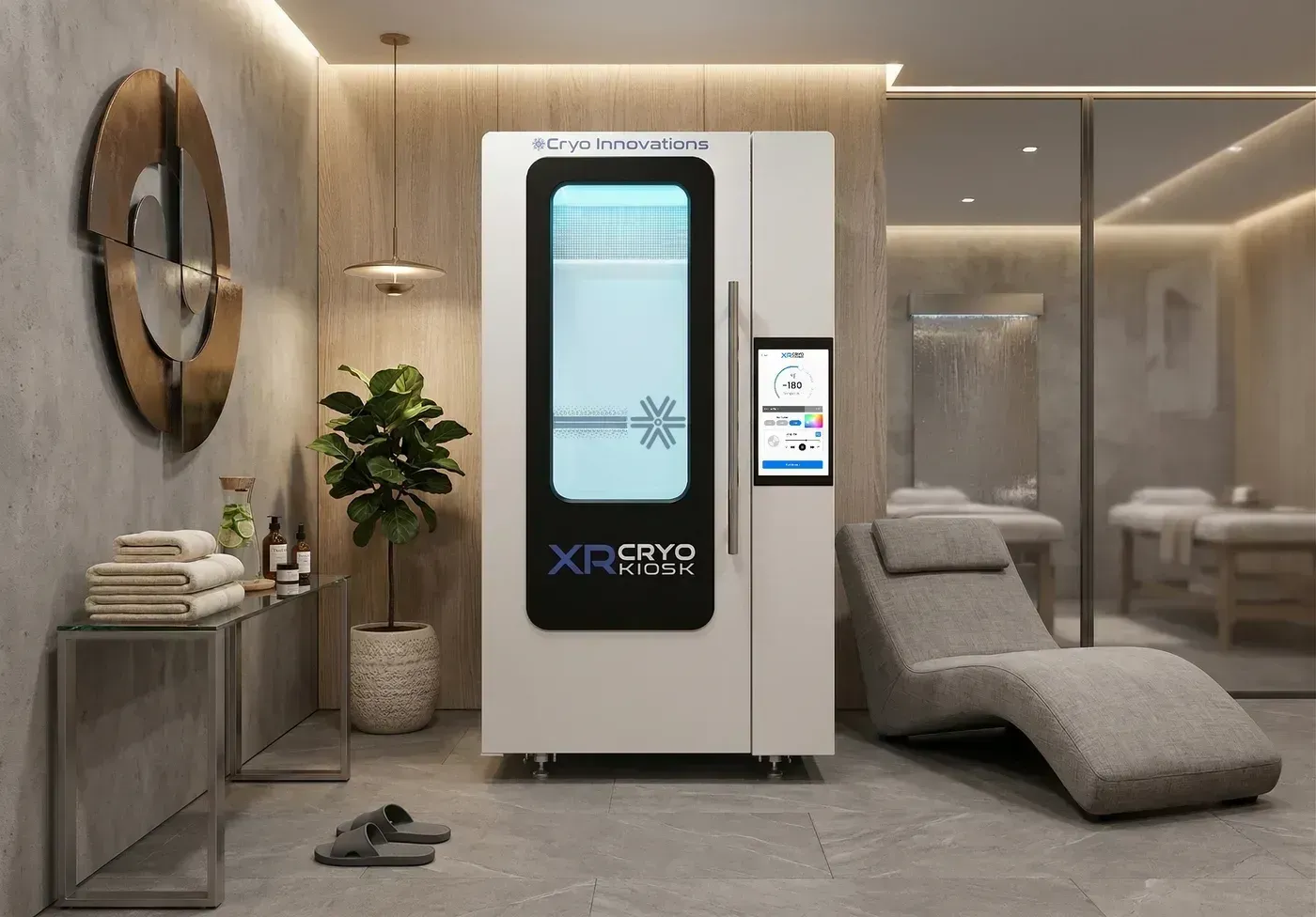
This training will explain the six steps to becoming a certified operator of the XR Cryotherapy chamber along with operational steps to effectively run a session.

Step 1

Signing Into the Cryo Innovations Web-Portal

  • Sign in to the web-portal by going to www.cryoinnovations.com and select the sign-in button on the top right.
  • The Owner’s username and password is in the Welcome Email sent by Cryo Innovations.
  • Review the Website Terms of Service and Privacy Policy Agreement and click Accept.
Step 2

Registering new staff

  • After an owner, manager, or operator signs in, select “Staff Management”, followed by “Register New Staff”.
  • Enter the new operator's information into the form fields and assign them a password.
  • To edit information or to delete a staff member, select the “Edit” button.
  • Click save after entering each staff member.

Step 3

Setting up the Point of Sale

  • The Point of Sale requires signing up a merchant account through our merchant system, “Mojopay”, or you also have the option of choosing “Stripe”, which we recommend over MojoPay.
  • Click on Location Profile > Edit Location profile > click on “Integrate with Stripe” on the bottom of the page > sign in with your Stripe > select “stripe” from the payment processor drop down menu.
  • Click the link provided on the point of sale tab that says “click here to sign up Merchant Account”.
  • Once this is complete the owner will be given a Mojopay API token key.
  • Copy and paste this key into the field that says Mojopay API token in the Location Management tab on the main menu.
  • The chamber is now set up to accept payments through the tablet credit card reader.
  • To create subscriptions, owners or managers can go to the Point of Sale tab.
  • They can customize subscriptions to fit their business strategies.
  • Subscriptions can be edited, activated or deactivated after creating the subscription.
  • Owners or managers can also offer extra products or services in the Point of Sale.
  • It is easy to add, edit or delete them in the “Products or Services” tab.
  • Select the “Action” button and check the box of the appropriate category.
  • The “Transactions” tab allows owners or managers to view payments as well as process refunds.
  • A ranking system of one (lowest) through five (highest) controls certain selections and options throughout.
  • If a manager is a rank of three, only activities that have the same rank or lower are available to them, such as discounts and specials.
  • For example, an owner would have a rank of five, or full access, and a general manager would have a rank of four.
  • The ability to discount, change items and change prices is reserved for a rank of three through five.

Step 4

Marketing

  • Cryo Innovations offers a unique option on the XR Cryotherapy chamber top monitor display.
  • It allows owners to present on-board advertising to their clients during a session.
  • The “Marketing” tab allows businesses to advertise and promote in video format.
  • Selecting “Details” will bring operators to the management page.
  • Owners or managers can add promotional videos, logos and ticker text to the monitor, all of which are visible to the client during a session.

Step 5

Fingerprint Management

  • Select Fingerprint Management from the main menu.
  • Select add fingerprint.
  • Next, the operator will lift and gently place their finger on the fingerprint scanner on the left side of the tablet.
  • Do this four times to fully capture the fingerprint.
  • Once the final fourth capture is made, a fingerprint will be added to the profile.
  • Select the top left back button to proceed to the certification exam if not already prompted to do so.

Tip: Always use the same finger for all operators and customers so not to get confused on which finger they registered with.

Step 6

Certification

  • To operate the XR Cryotherapy chamber, an operator must pass the certification safety exam.
  • The exam will ensure that each operator knows the basics of operation and safety for the XR Cryotherapy chamber.
  • After passing the exam the unit will be operational via the operator's fingerprint.

2022 update

Operator Training Video

Operator Training Video. Includes: Cryospa, No-Wifi Mode, Running Sessions, and Contraindications.

Questions about operator training? Call Cryo Innovations at 1 (888) 431-CRYO.

Adding another chamber?

Tell us about your location and a specialist will walk you through the equipment, the pricing and the financing options.

Or talk to a specialist right now1 (888) 431-CRYO

Get pricing and financing options

Your details go straight to our sales team. No spam, no sharing.